How do I run my first Padelio tournament?
Last updated 2026-05-05
Open Padelio, tap Create → Tournament, choose a format (Americano is the easiest to start with), add at least four players, and start the first round. Everything else — pairings, scoring, timer — happens automatically.
Before you start
Have ready: the names of the players (or their Padelio handles if they're already on the app), and a rough idea of how many courts and how long you want to play. Padelio will use that to generate sensible round counts and timers.
Step 1 — Open the create menu
From the bottom navigation, tap the + Create tab and choose Tournament.
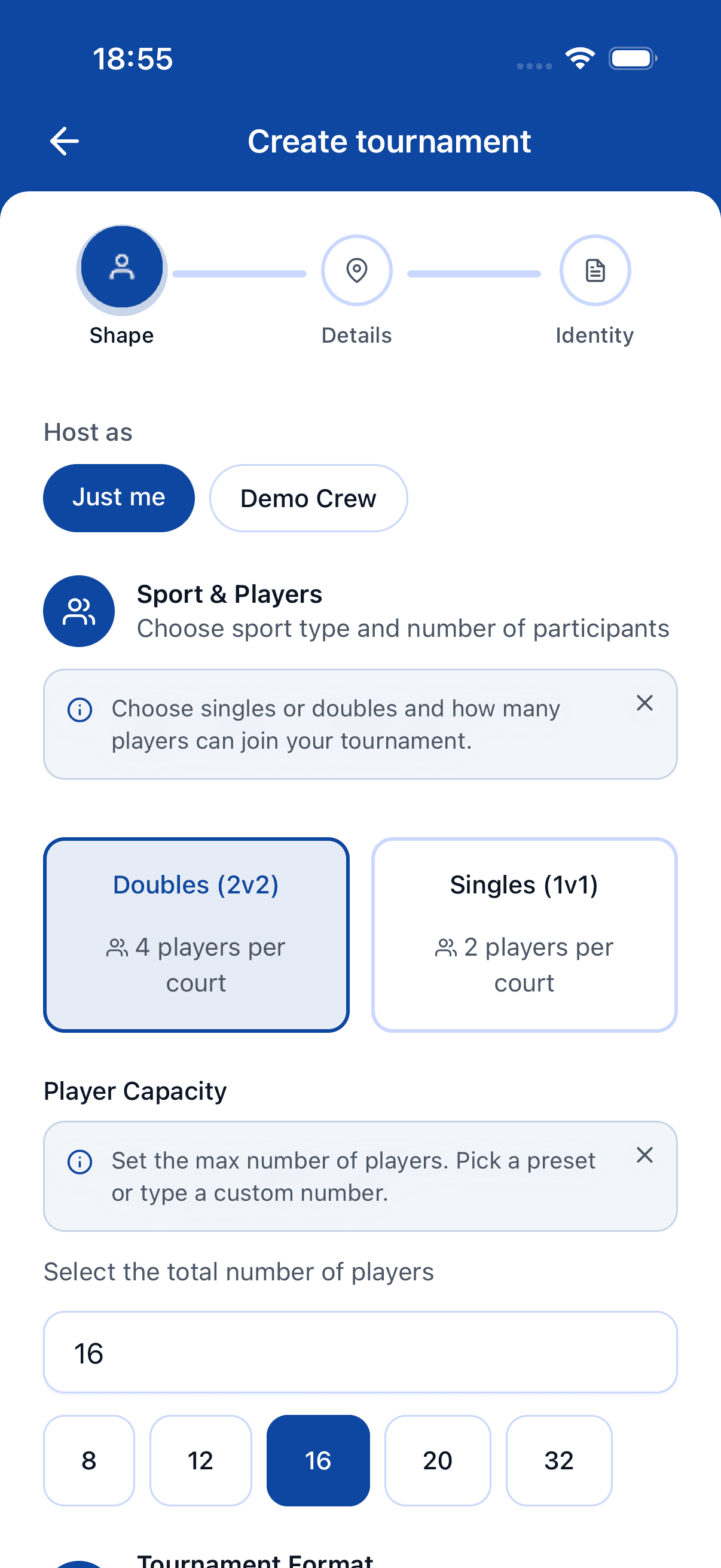
Step 2 — Pick a format
For your first tournament, Americano is the friendliest choice — every player rotates partners, scores accumulate individually, and there are no knockouts. Pick Mexicano if you want courts assigned by current ranking, or King of the Court for a fast, casual format with rotating winners.
Step 3 — Set the basics
Give the tournament a name, choose how many courts you have, and set a round duration (15 minutes is a good default). Padelio uses these to generate the schedule.
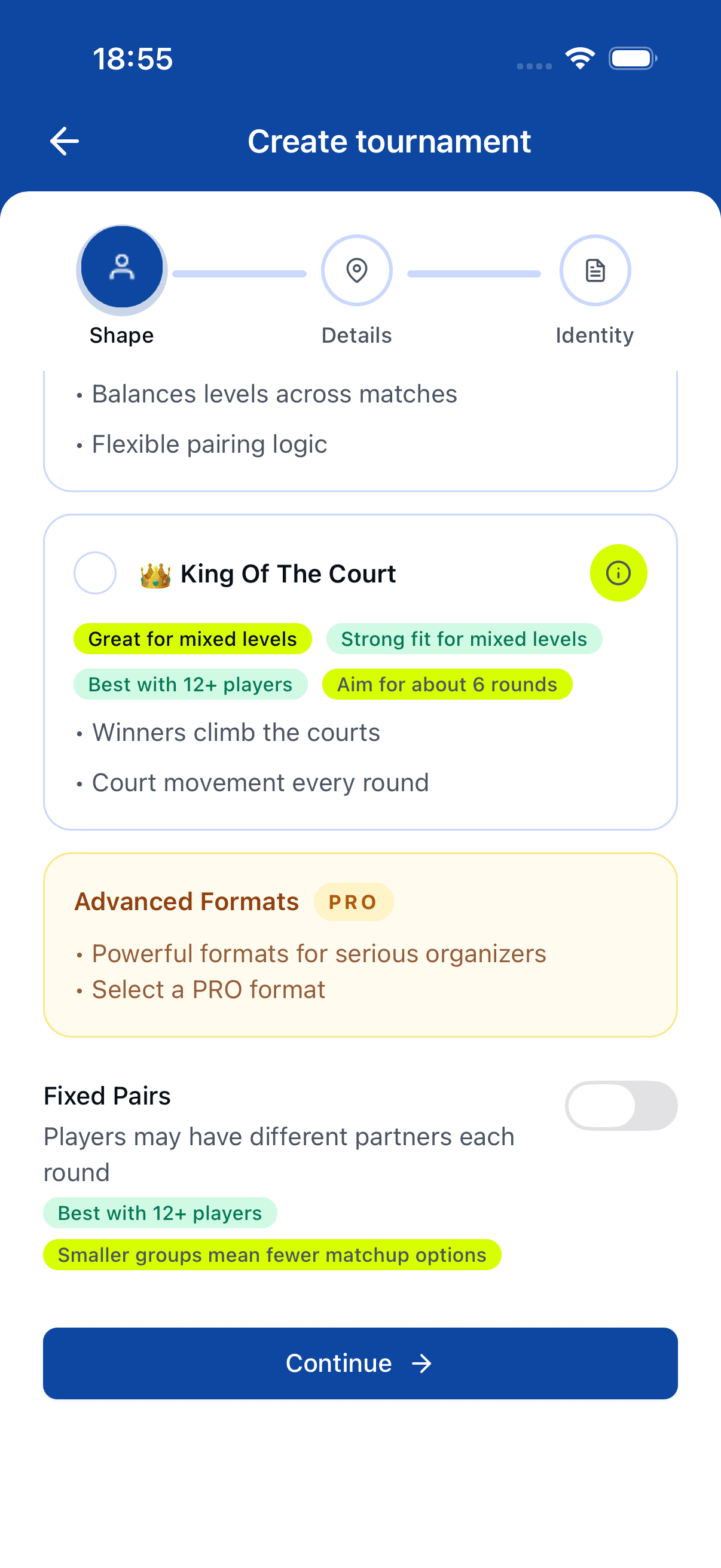
Step 4 — Add players
Tap Add players. Type a name, or search for a Padelio user to invite. Confirm at least four players before continuing.
Step 5 — Start the first round
Review the generated round, then tap Start round. The on-court timer begins, scores can be entered as games end, and the next round is queued automatically.
After the first round
You don't need to do anything special between rounds — Padelio shuffles partners (or applies the format's pairing rules) and starts the next round when you tap Next round. Final standings appear automatically once the last round closes.
Where to go next
When you're comfortable with Americano, read tournaments/create for the full reference of options, including custom point systems, score-by-points vs score-by-games, and crew branding.
FAQ
- What's the minimum number of players I need?
- Four players for an Americano, four for a Mexicano. King of the Court works best with eight or more.
- Can I edit a tournament after starting?
- Yes — you can rename it, adjust scoring, and add or remove players until the first round closes. After that, structural changes are limited to keep results consistent.
- Do I need a paid plan to run a tournament?
- No. Personal tournaments are free. Paid plans unlock crew-branded tournaments, larger participant counts, and advanced controls.
See something off? Suggest a fix — emails support@padelio.org with the article and a prefilled subject.